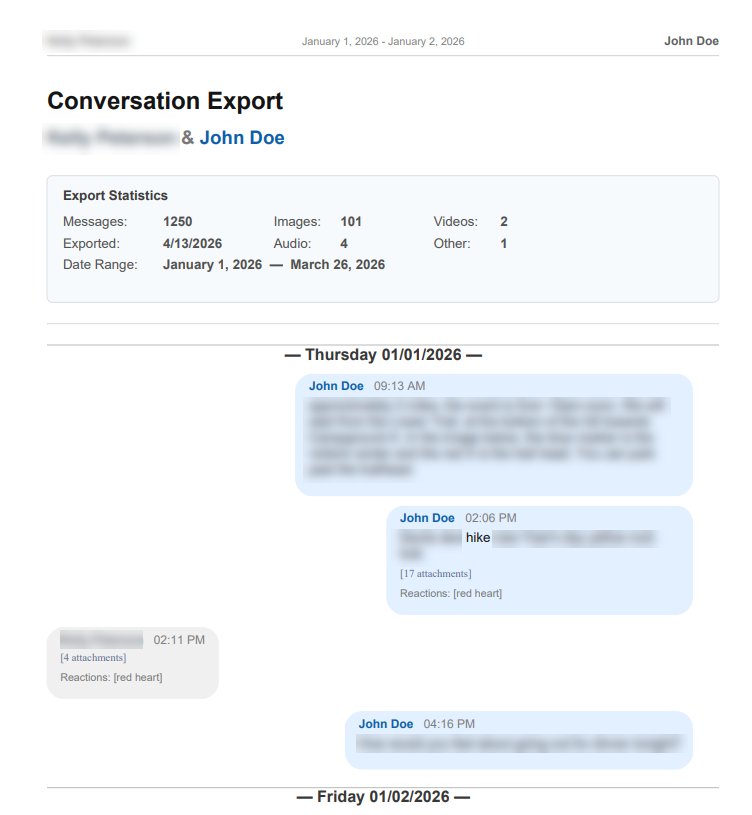
Transform your Signal Desktop message history into professional, organized PDF documents. Privacy-first — your messages never leave your computer.
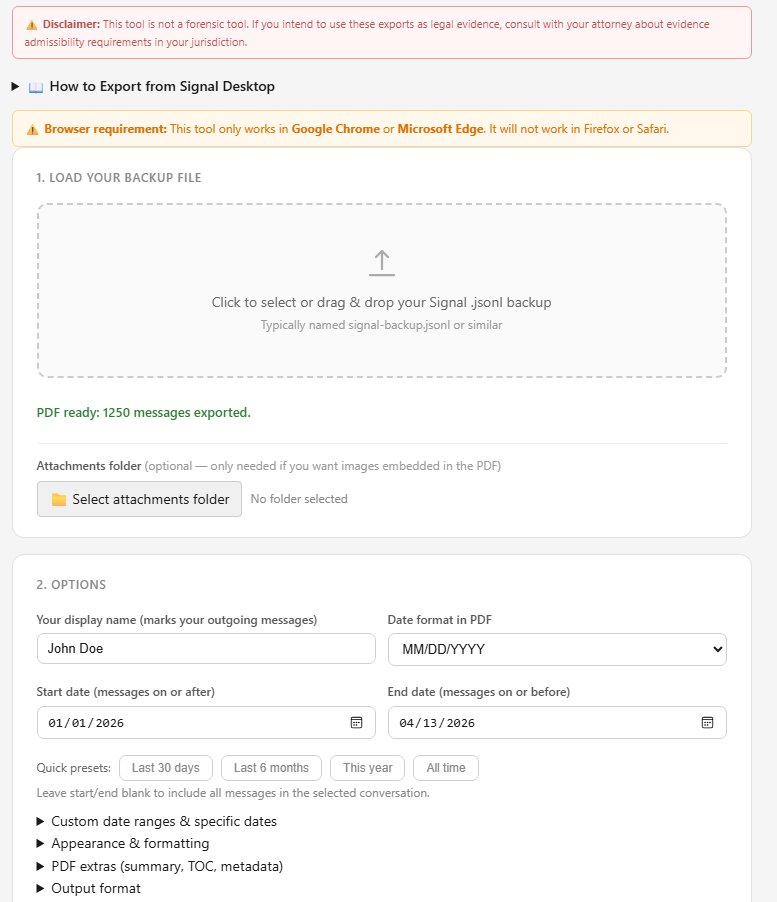
Main interface — load file and set options
In Signal Desktop, go to Settings → Chats → Export chat history to generate your .jsonl file.
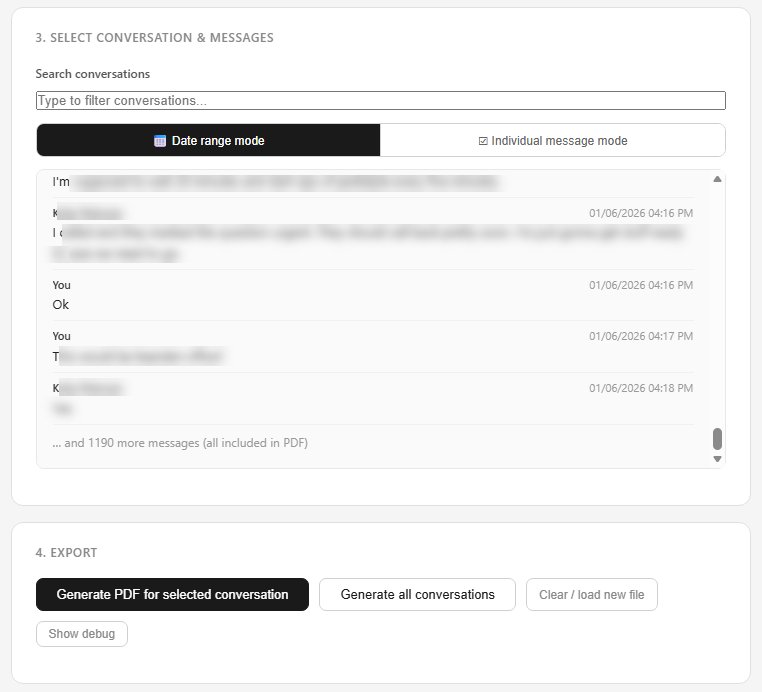
Select your .jsonl backup file in the converter. Nothing is uploaded — it stays on your machine.
Choose date ranges, add case numbers or labels, and select what to include before generating.
Click generate. The process runs locally in your browser and usually completes in under a minute.
Preserve co-parenting logs, business agreements, or workplace communications in a structured, timestamped format.
Keep a permanent, readable record of conversations with loved ones — saved as PDF, a format that's been around for 30 years and isn't going anywhere.
Save your full history in a universal format before switching devices or Signal accounts.
One-time purchase. No subscription. Your messages stay on your machine.
Buy now — $30 →Questions? john@hazelforge.com